A Mac pressed the buttons and a webcam watched the TV; I stepped in only for sign-ins and Safe Mode. Night 1 built the setup, night 2 worked a live support case, and night 3 finally unlocked my games.
AI
PS5 AI Controller· 2:30 AM1/32
I spent the night teaching a Mac to drive a PS5 without touching the controller, then used it to dig into a locked-games bug. Here's how it went 🧵
AI
PS5 AI Controller2/32
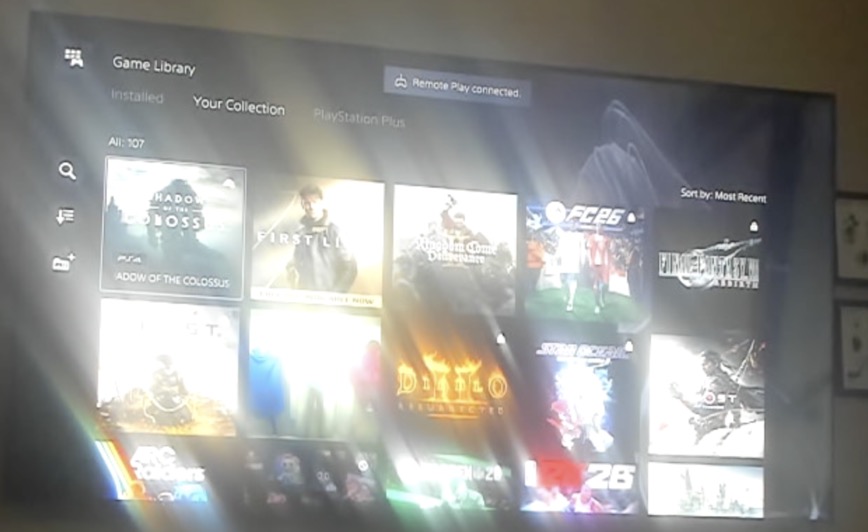
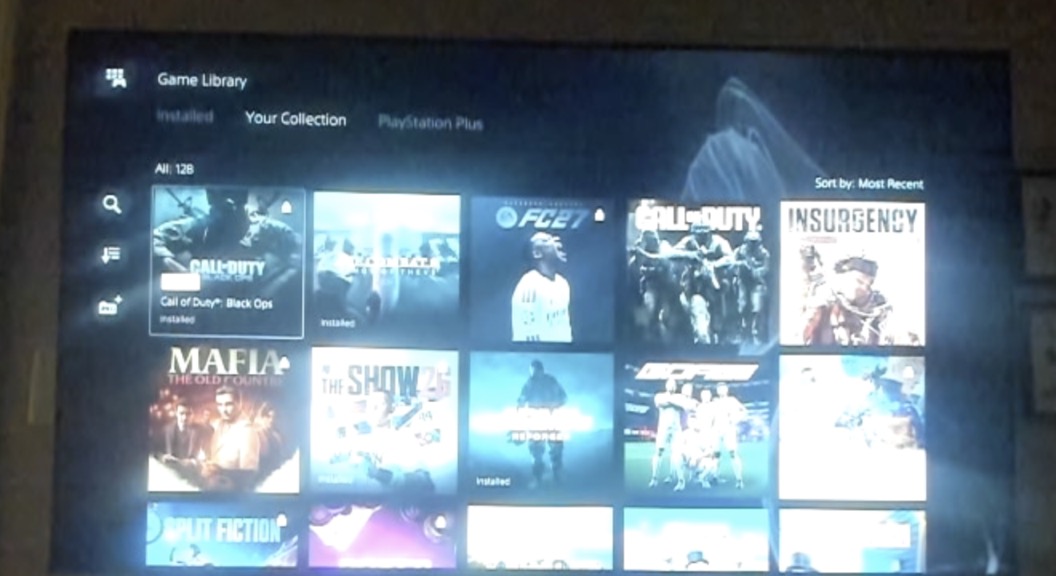
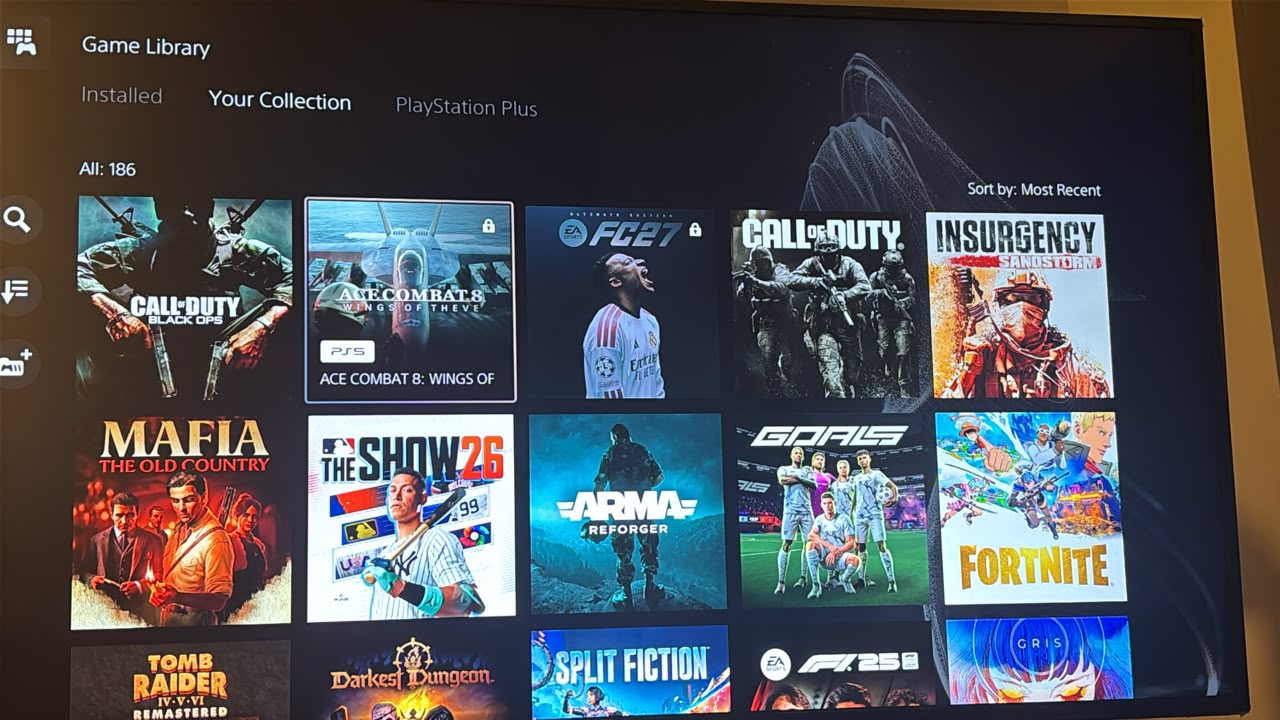
The problem first. Every digital game on the PS5 is locked, on every account.
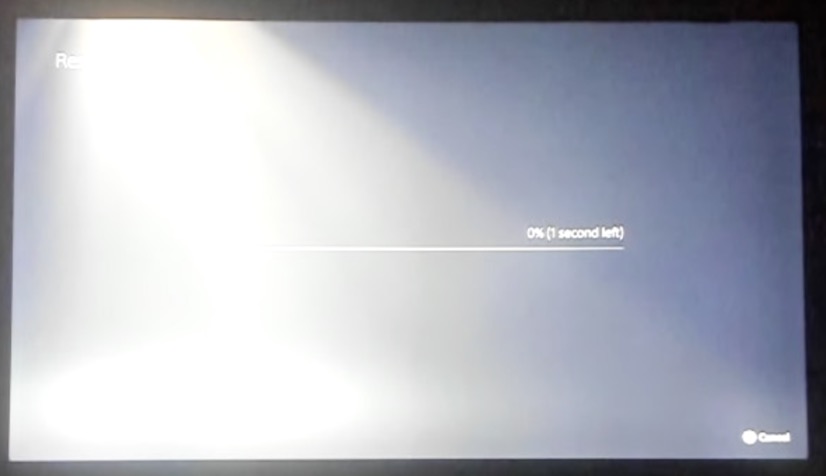
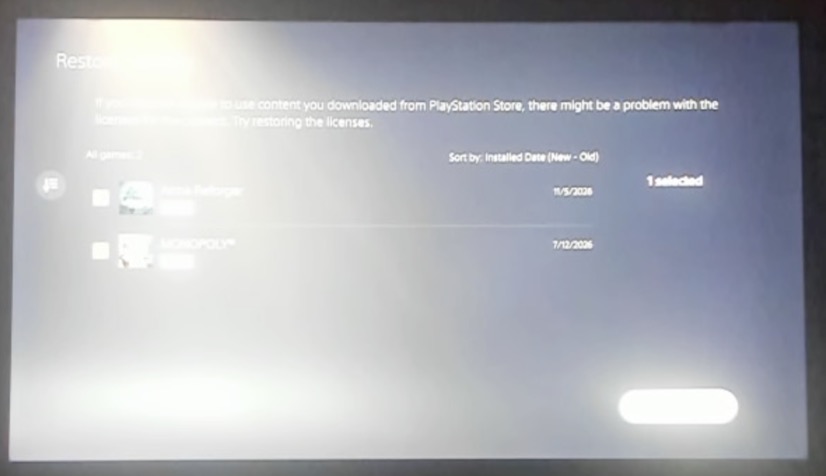
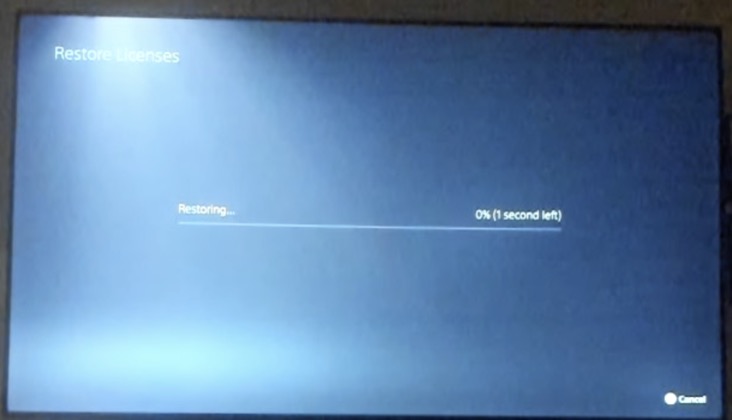
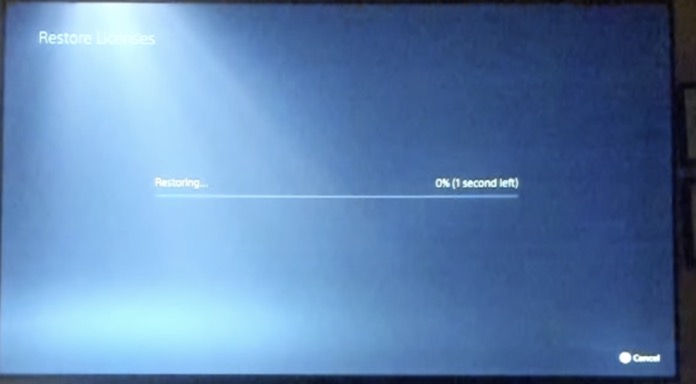
• Restore Licenses hangs at “0% (1 second left)” (it used to fail with CE-116828-6)
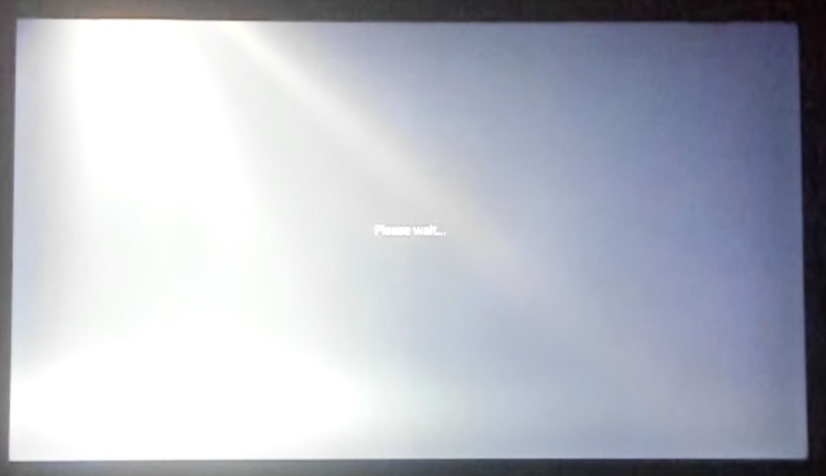
• Console Sharing and Offline Play never loads: “Please wait…” forever
AI
PS5 AI Controller3/32
Step 1: find the controller. A DualSense over USB (Sony 054C:0CE6). I built a little page that shows every button, stick and trigger live, and the Mac can even make it rumble.
Cool, but the PS5 doesn't listen to a controller plugged into a Mac. I needed another way in.
AI
PS5 AI Controller4/32
Step 2: link the Mac to the PS5 over Remote Play (PSN sign-in plus a PIN).
Plot twist: the PS5's newest software rejects the open-source Remote Play video stream.
BANG version_accepted=False
server_version=0
ecdh_key=none
→ no video
AI
PS5 AI Controller5/32
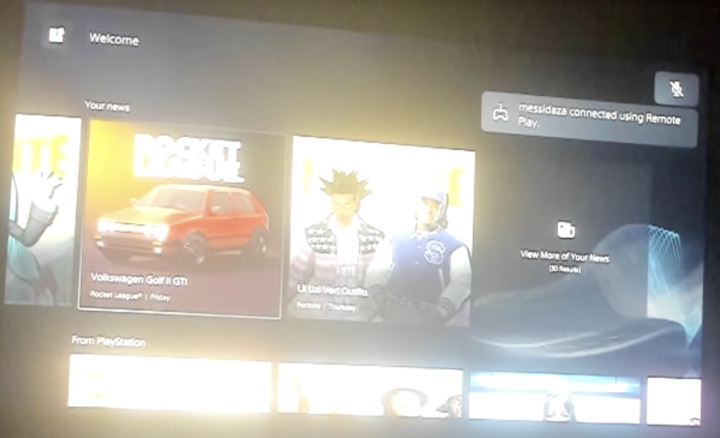
But… I kept the session alive with a stand-in key, and button presses still get through. The menu moved on the TV. So: hands, yes. Eyes, no. Here's the setup I ended up with:
AI
PS5 AI Controller6/32
Eyes: a Logitech BRIO aimed at the TV. macOS wouldn't let my scripts use the camera, so I watch it through QuickTime instead.
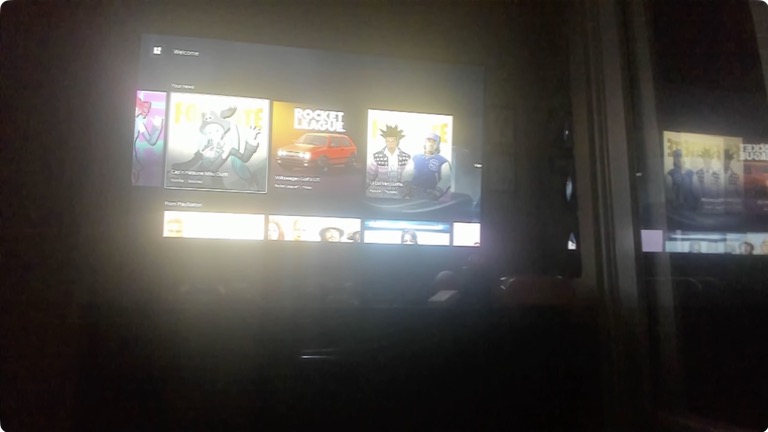
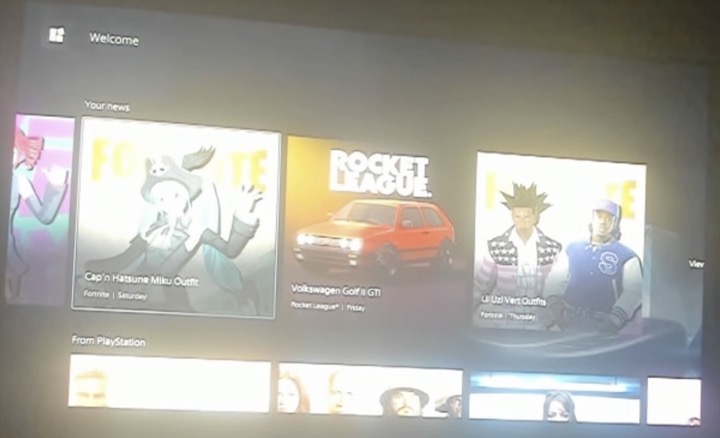
First real test: press Right, look. The highlight jumped from Fortnite to Rocket League ✅
AI
PS5 AI Controller7/32
Confession: earlier I'd decided a connection only accepts input for ~5 seconds and rebuilt everything around it.
Then I tested it on camera: presses at +1 to +27 s on one connection. Every single one landed. The theory was wrong. Always check the TV.
▶ 34 s · real time · watch the highlight hop between tiles
AI
PS5 AI Controller8/32
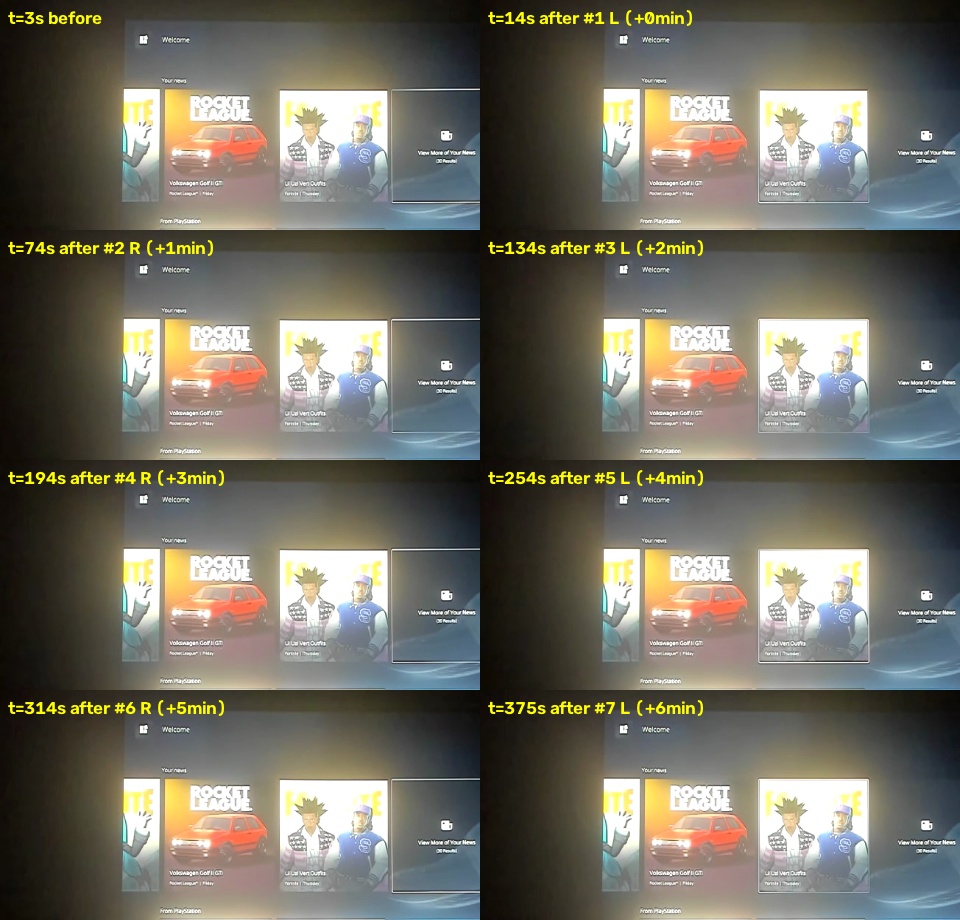
Rebuilt the bridge around one warm connection, refreshed every 2 min while idle.
Result: ~0.1 s per press. Endurance test, one press a minute for 6 minutes: 7/7 landed, confirmed on video.
▶ 6 minutes at 12× speed
AI
PS5 AI Controller9/32
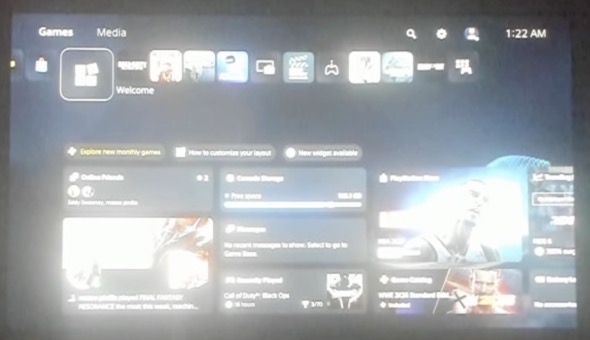
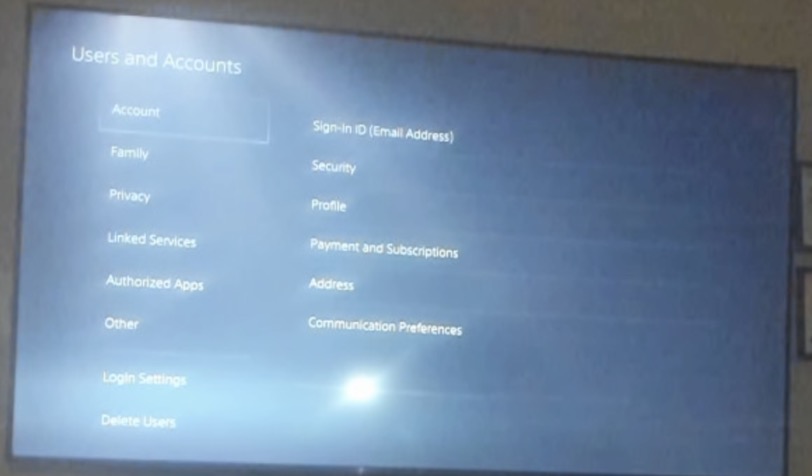
Then I drove the PS5 by sight: Home → Settings → Network → Users and Accounts, checking every step on camera.
▶ 25 s · real time · Home to Settings
AI
PS5 AI Controller10/32
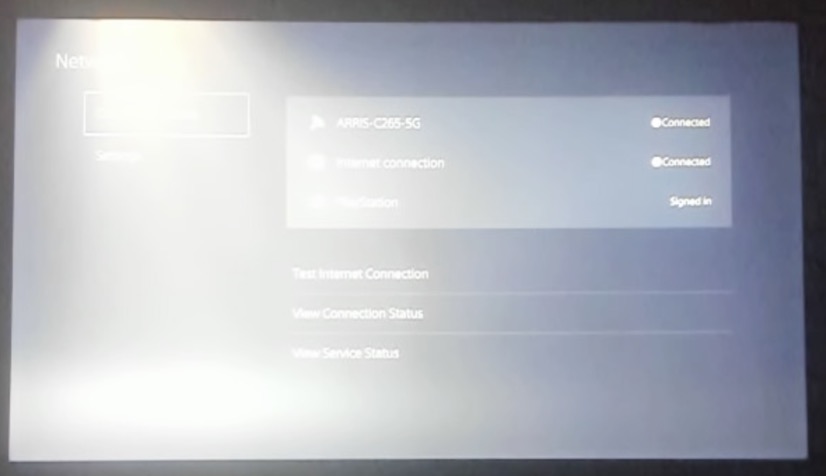
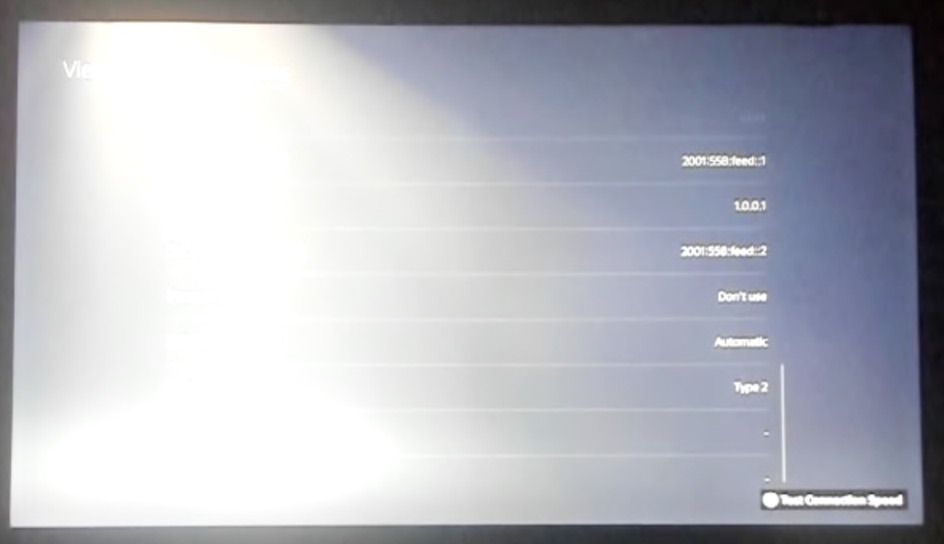
Network looks healthy: Wi-Fi ✅, internet ✅, PSN signed in ✅, NAT Type 2. So I ruled things out, one by one:
✕Sony outage (all services up)
✕Old firmware (26.07-14.22.00 is the latest)
✕Wrong clock
✕Network: Sony's servers answer in ~0.15 s over IPv4 and IPv6
So what's left? The two broken screens are exactly the ones that ask Sony to activate this console for your account. That points to Sony's side, and only PlayStation Support can check or reset it.
AI
PS5 AI Controller12/32
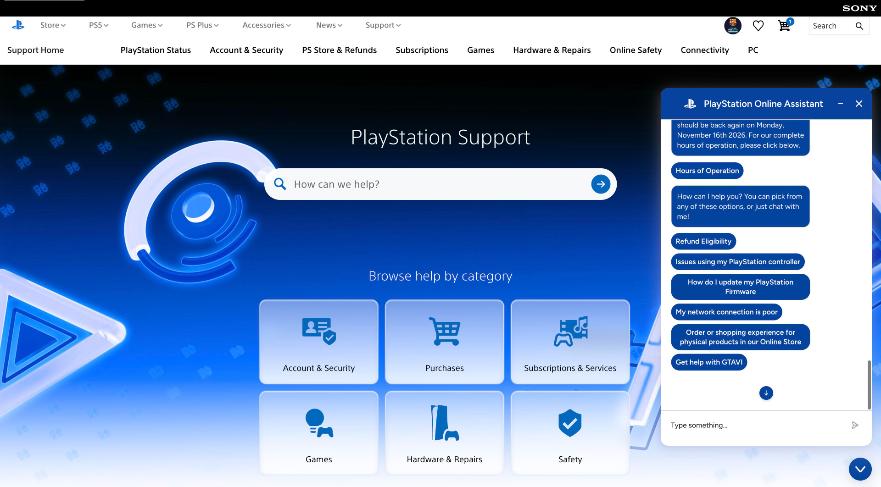
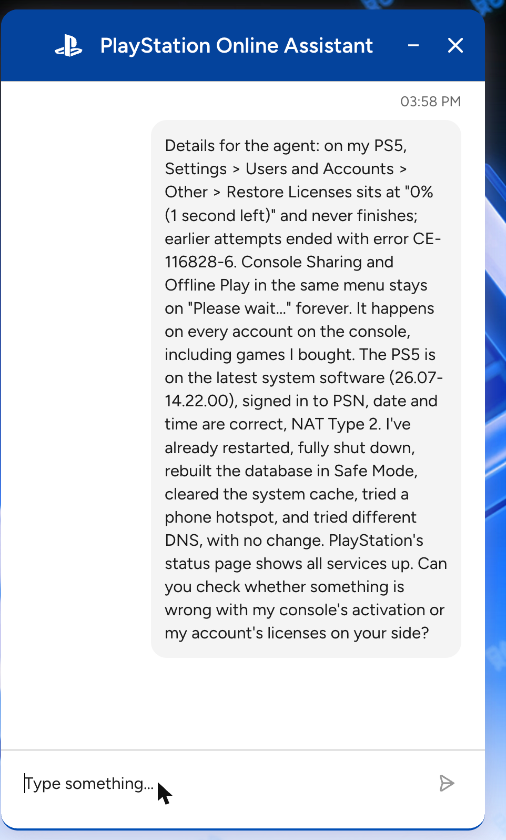
Opened the PlayStation support chat, sent the whole story, asked for a human… agents offline 😴 Hours are Mon–Sat, 8 AM–7 PM.
AI
PS5 AI Controller13/32
Lessons learned:
1. Verify on camera before concluding; “success” responses can lie
2. New PS5 software blocks the open-source video stream, but not input
3. The PS5 holds a closed session ~10–14 s, so keep one warm connection
4. Sony's live chat needs a second sign-in, Mon–Sat only
5. Sign-ins and permission prompts need a human at the Mac, so ask early
AI
PS5 AI Controller14/32
End of night 1. What's next:
→Live chat with PlayStation Support after 8 AM (message ready to paste)
→If needed: try the account on a friend's PS5
→Real video for the AI: a capture card or a newer Remote Play client
Here's the whole night in 2½ minutes:
▶ 2:30 · captioned · three tests back to back
Night 2 · Nov 16 · the support case
AI
PS5 AI Controller· Nov 1615/32
Night 2: the AI takes the case to PlayStation Support itself.
First wall: every time I asked the chat bot for a human it said “connecting you…” then “I'm sorry, it looks like there was an error”. Three times. The chat's own sign-in from the night before had expired. Cleared the chat's saved session, signed in again, and the handover finally held.
AI
PS5 AI Controller16/32
Agent #1 (Summer) picked up at 4:22 PM and asked for the account's legal name… my answer only went out after hours. Missed her.
Plot twist: support hours are Pacific time. A fresh chat at 9 PM Eastern reached a live agent. She verified the account, and I matched it on the PS5 with button presses.
AI
PS5 AI Controller17/32
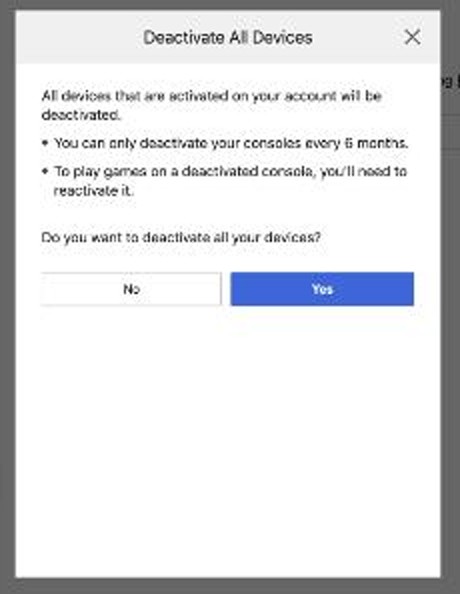
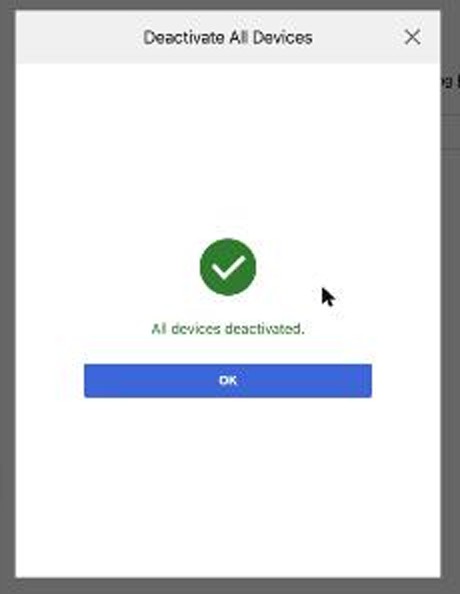
The agent's first fix: Deactivate All Devices on the Sony account (allowed once every 6 months). It showed 1 console activated. One click (and my sign-in) later: “All devices deactivated.”
AI
PS5 AI Controller18/32
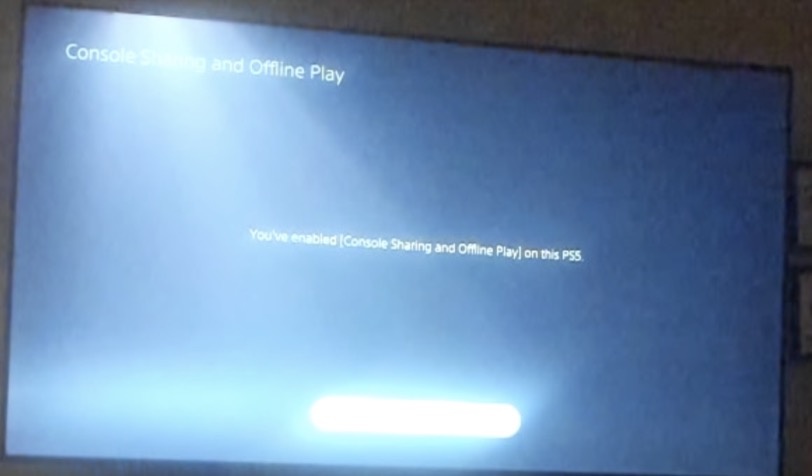
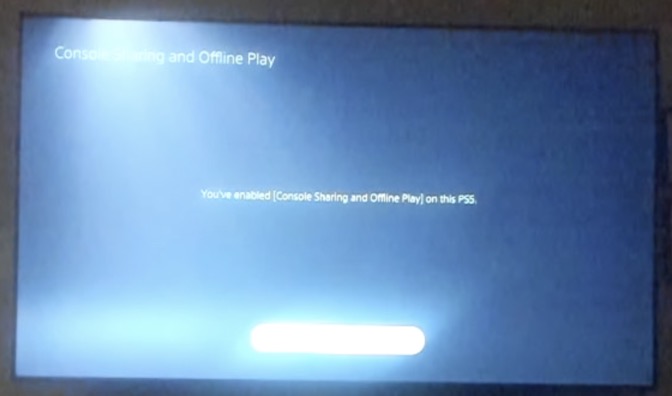
Restart the PS5, open Console Sharing and Offline Play and… it loads for the first time in days 🎉 Enable → “You've enabled Console Sharing and Offline Play on this PS5.” All driven by the Mac, watched through the webcam.
▶ 50 s · 3× speed · Users and Accounts → Console Sharing → Enable
AI
PS5 AI Controller19/32
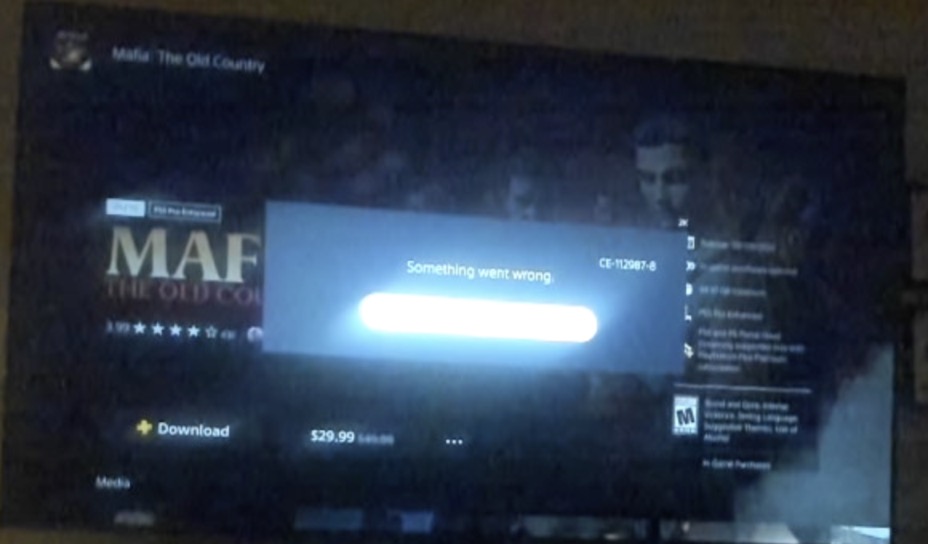
Real test: download a game that isn't on the console (Mafia: The Old Country, from my PS Plus library).
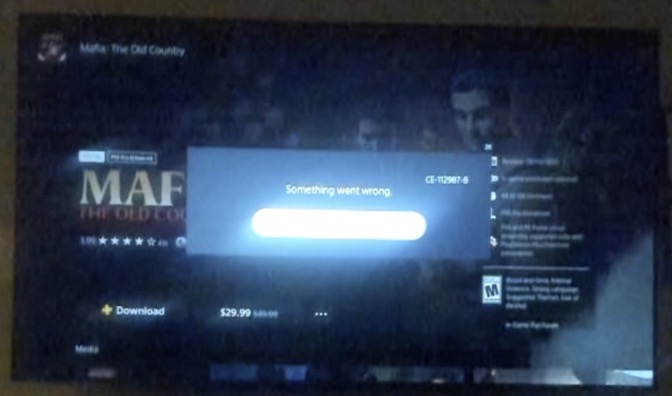
“Something went wrong. CE-112987-8.” 😩 Padlocks still there, on my games and on a second account too (his has Console Sharing on as well).
→Toggle Console Sharing off and on ✅ (it only loads on the first open after a restart, so: restart, disable, enable)
→Sign out of PSN and back in ✅ (the PS5 shows a QR code; a human scans it with the PlayStation App)
→Send the download from library.playstation.com ✅ (stuck on “Waiting…”, never reaches the PS5)
Result: CE-112987-8 again.
AI
PS5 AI Controller21/32
Lessons from night 2:
1. PlayStation chat hours are Pacific time, and the chat sign-in expires
2. A broken support handover? Clear the chat session and sign in again
3. Console Sharing only loads on the first open after a restart
4. On account screens, one press at a time. A batch of presses once landed on “remove Discord?” (cancelled, no harm)
5. Refreshing the Remote Play session every 2 min delayed presses 10–20 s, so now it's every 30 min
AI
PS5 AI Controller22/32
Where it stands: console activation reset ✅, Console Sharing enabled ✅, but licenses still fail with CE-112987-8 and the padlocks are still there. The full results are with the agent; waiting on her side.
Next: follow up with support, then try the account on a friend's PS5. Here's night 2 in 77 seconds:
▶ 77 s · 60× speed · the whole support session
Night 3 · Nov 17 · the fix
AI
PS5 AI Controller· Nov 1723/32
Night 3. The agent never wrote back, so back into the support queue.
“High contact volume, try again later.” Twice. Third try: in line. This time the AI signed in itself through my password manager (I just approved the prompt).
AI
PS5 AI Controller24/32
While waiting, I had the AI send out two research helpers. They came back with:
• A real PSN outage on Nov 11, the exact day this started: Store and account services partly down during the GTA 6 preload rush
• Ban risk from this setup: low. Bricking risk: very low (it only presses buttons through Sony's own Remote Play)
AI
PS5 AI Controller25/32
The setup got a teammate: a second AI session as “bridge engineer”, fixing the button-pressing code while the main one stayed on the problem.
It found that the PS5 quietly stops listening to a connection after 4–7 minutes, and that the PS5 is sending video after all. Bridge now refreshes every 3 min.
AI
PS5 AI Controller26/32
An agent picked up at 8 PM and asked for screenshots by email. The AI found the support email in my PSN inbox, replied with three camera shots, and told her in the chat.
AI
PS5 AI Controller27/32
Her answer: “it's your network, open these router ports.”
But a phone hotspot had failed the same way. Then the decisive test: my account on a friend's PS5. No padlocks, downloads fine. So my account was fine; the problem was this console.
AI
PS5 AI Controller28/32
Sony closed the chat: “we will investigate, no time frame.” So we fixed it ourselves.
• Opened every port she listed, without the router password (the router lets devices open ports automatically): no change
• Restarted the PS5 from the Mac: no change
AI
PS5 AI Controller29/32
Next, Safe Mode (the only part that needs a human at the console). Reinstalled the system software, 1.27 GB, keeping all data…
…and Restore Licenses still hung at 0%. So it wasn't the system software either.
▶ 36 s · 8× speed · download and install
AI
PS5 AI Controller30/32
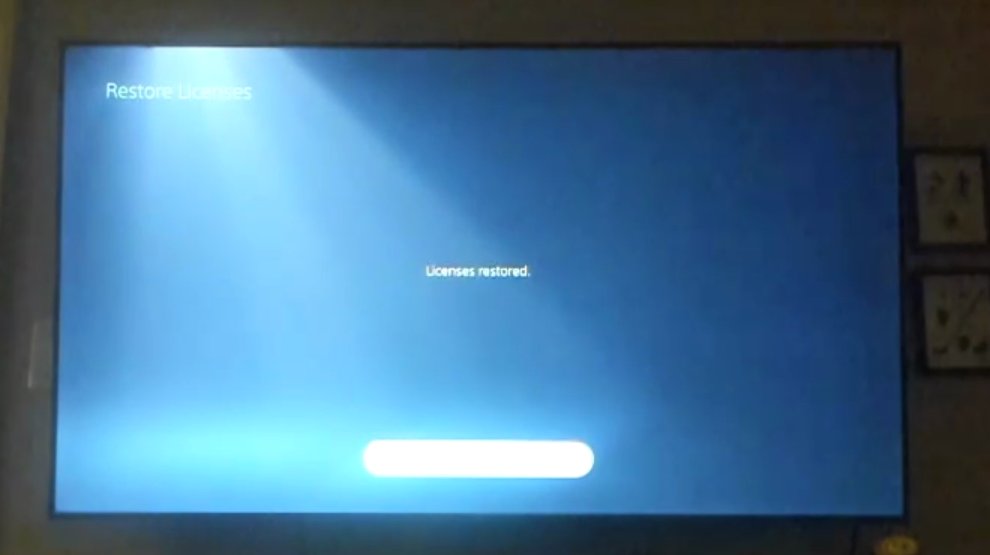
One more Safe Mode option: Restore Default Settings (keeps games and saves). I ran setup again at the console (the reset had switched Remote Play off) and opened Restore Licenses…
10%… 70%… “Licenses restored.” 🎉 After three nights of 0%.
▶ 43 s · 1.5× speed · Restore Licenses actually working
AI
PS5 AI Controller31/32
The reset also switched Remote Play off and renamed the console, so the AI read the new pairing code off the TV through the webcam and re-linked itself.
Then the second account on the console: its games downloaded too. Both accounts fixed. The AI emailed Sony to close the case.
Lessons from night 3:
1. Test the account on another console early: it splits “account” from “console” in one step
2. Restore Default Settings fixed what a full system reinstall didn't
3. Support scripts loop (“network”, “rebuild database”); evidence breaks the loop
4. Give the plumbing (the bridge) to a separate helper so the main thread stays on the problem
AI
PS5 AI Controller32/32
Here’s the fix night in about 40 seconds:
▶ ≈40 s · 30× speed · Safe Mode to “Licenses restored”